.png?w=1024&h=1024)
Quick Start Guide
Quick Start Tutorial Video for iOS
Quick Start Tutorial Video for Android
Step-by-Step Instructions
Part 1- Get Prepared

Step 1 (For Android Devices) - Download the Totwoo app from your Phone App Store or Google Play.

Step 1 (For iOS Devices) - Download the Totwoo app from iPhone App Store.
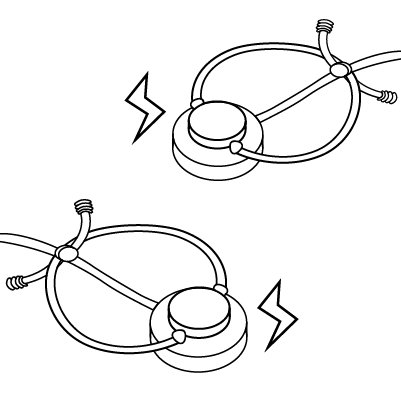
Step 2 - Charge totwoo bracelets (or necklaces) to activate them.
Step 3 - Ensure your phone’s Bluetooth is on.
Part 2- Connect Your Totwoo
Step 1-Open Totwoo App, and follow the app's instructions to sign in.
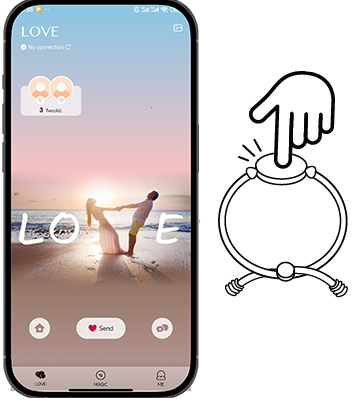
Step 2 - Make sure your phone Bluetooth is on. Tap 'Love' in the left top corner in the app, and touch your Totwoo bracelet to activate it and wait for the app to recognize it.
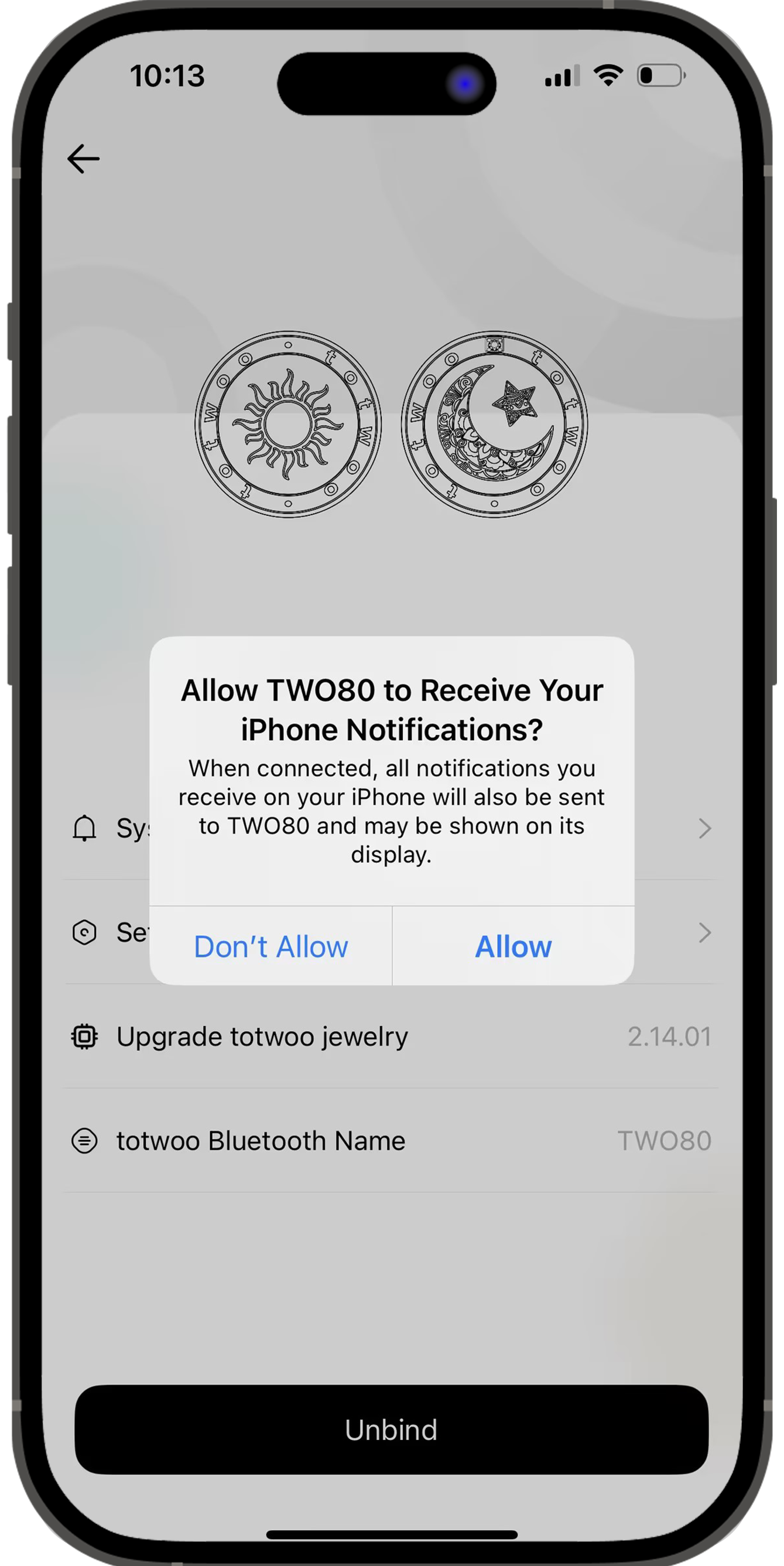
Step 3 (For iPhone users)- Click "Pair" when the pop-up appears asking to pair via Bluetooth, and allow all notifications.
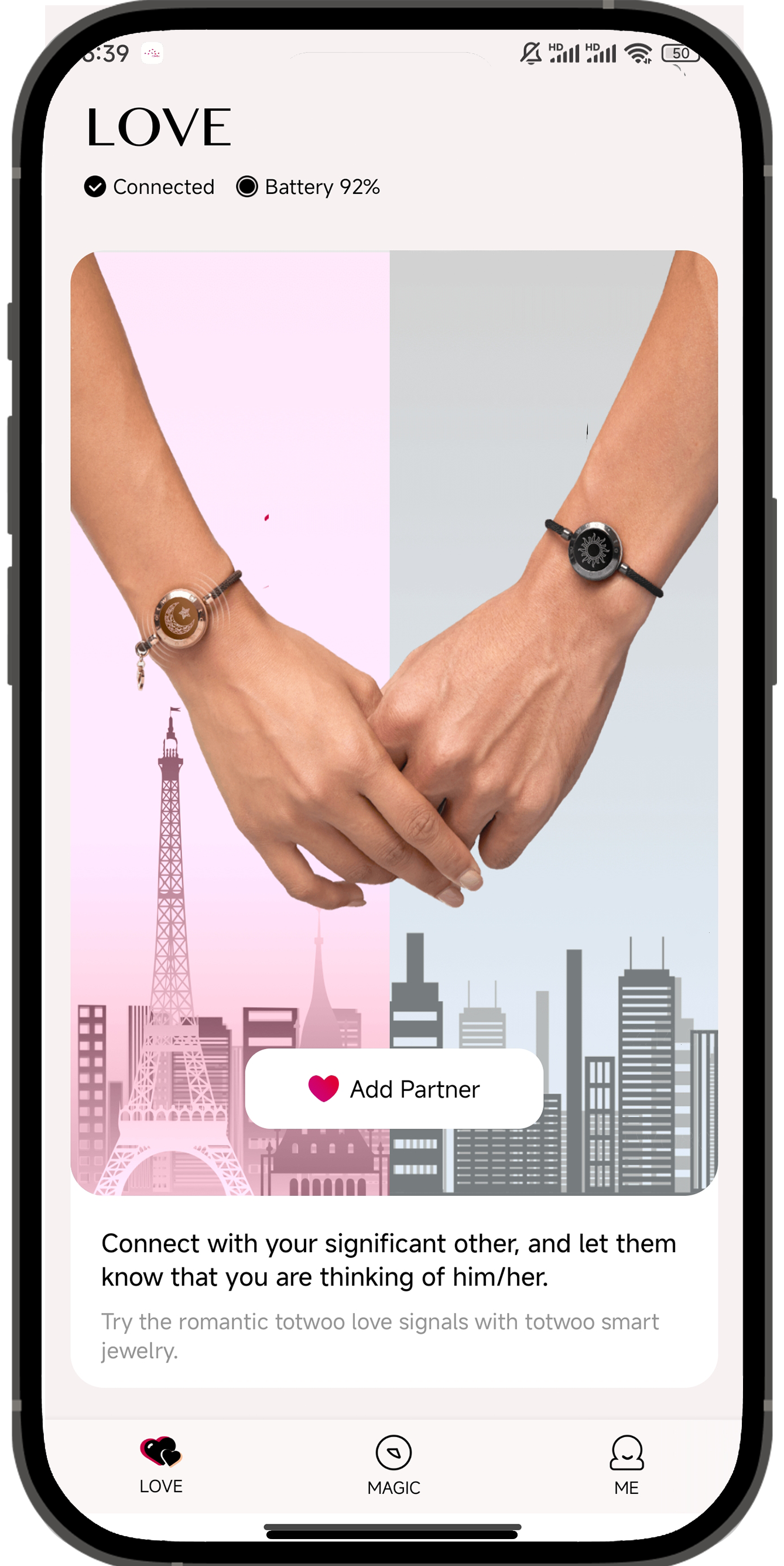
Step 4-Add your partner by selecting a contact or entering their phone number.
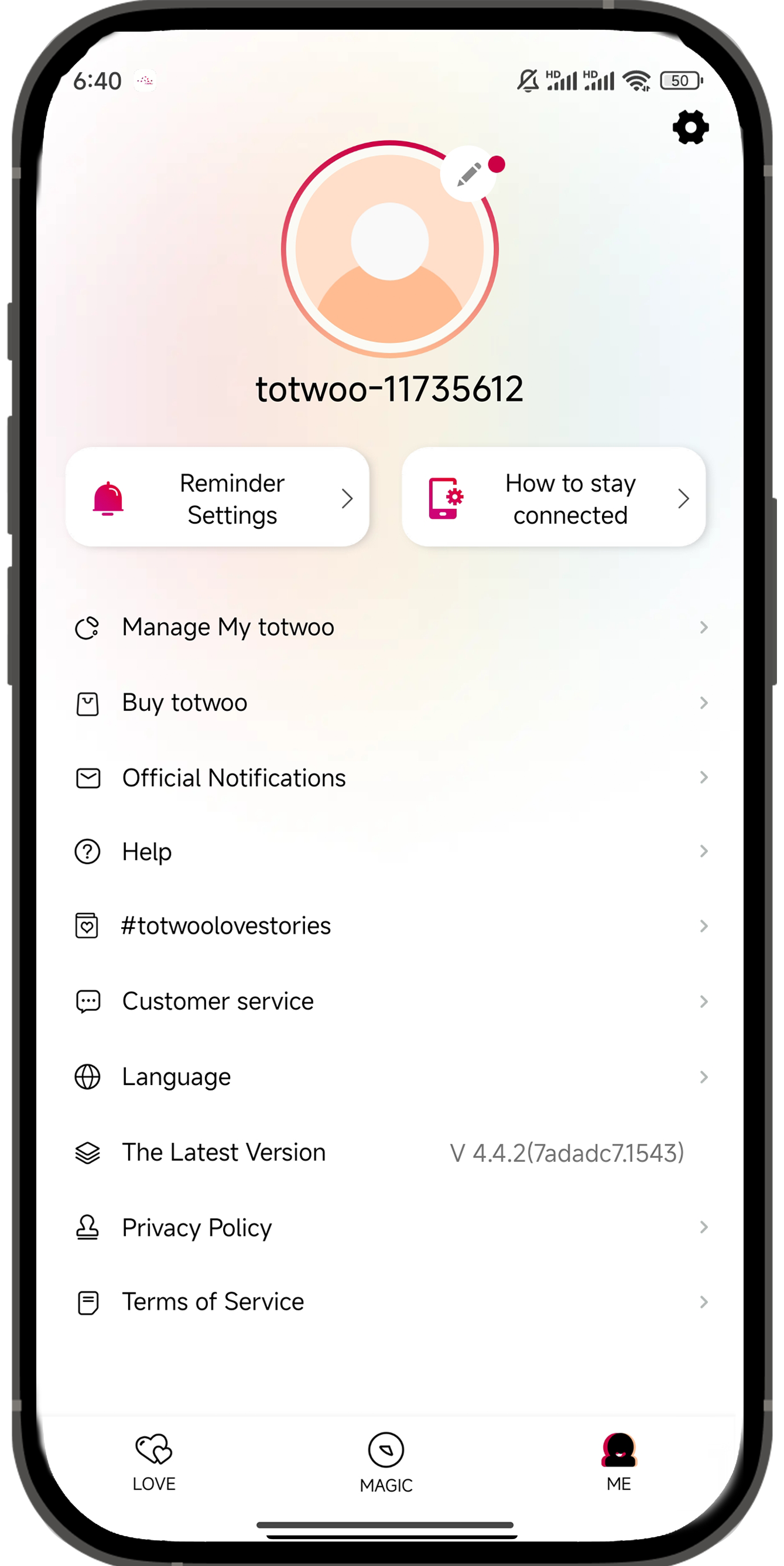
Step 5- Tap "Me" in the app, then "How to Stay Connected," and follow the instructions to complete all permission settings for a stable connection.
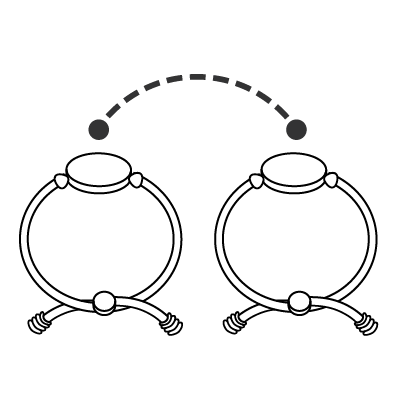
Step 6-Start using your totwoo.
Important Notes
- If you add your loved one from contacts, their name must be plain text without labels, symbols, or punctuation, otherwise the request will fail.
- If you're an IOS user,make sure you disable Airplane Mode,Low Power Mode. Do Not Disturb,and enable Background App Refresh.
- If you're an Android user, be sure to "Ignore Battery Optimization”.